
Looking for ways to effectively incorporate technology? What tools could you use to further develop ways to support teachers and to empower students? Central Rivers AEA provides the opportunity to work collaboratively with the Integrated Learning Specialists, to support the skills needed to integrate technology effectively. Whether you need team support, individualized instruction, or basic knowledge of a specific resource, support is available to provide instruction for a variety of resources.
For assistance contact Central Rivers AEA’s Help Desk by email: helpdesk@centralriversaea.org or by phone: 319-273-8231.
Credentials & OneClick
What are my login credentials?
There are three different sets of credentials you will use to login into your accounts:
- Username: first initial + last name (ie. Sarah Nelson = snelson)
- Usernames can differ if there are others with the same username
- Email: username@centralriversaea.org (ie. snelson@centralriversaea.org)
- Non-CRAEA Credentials: These are usernames and passwords created by you.
| Credential | Where to use it? |
|---|---|
| Username | Login to your Device One Click |
| Email Address | Gmail/Calendar/Drive Zoom (Google Account) Recommended: Link your Google account to OneClick (Classlink) |
| Non-CRAEA Credentials | ACHIEVE Website (Iowa IEP Site) Iowa AEA Professional Learning Media Services Apple ID (staff with Ipads |
How do I navigate OneClick (Classlink) & change my password?
- OneClick (Classlink) Site: mylogin.centralriversaea.org
- Video Overview: Navigating and Customizing OneClick (Classlink) (4:31 min)
- Video Overview: Changing your OneClick (Classlink) Password (1:28 min)
- You will be prompted to change your password every 180 days
- Affects Gmail, GSuite apps, network, computer login, staff website, staff portal, and file servers
- Does not affect the PD system, media services, social media, ACHIEVE, or online subscriptions
- The initial password on a Windows machine will remain the old password until you log in while on one of the Central Rivers local networks. (CF Conf. Center, MT Office, Clear Lake Office, River Hills)
Where do I find employee tools & resources?
- Go to: https://www.centralriversaea.org/
- Scroll to the bottom of the page and select “Employee Dashboard”
How do I create my CRAEA email signature?
Email signatures are automatically created through a template that pulls information from the Staff Directory. Please make sure your information is accurate. If you need assistance, reach out to Phil Hendricks.
Cybersecurity
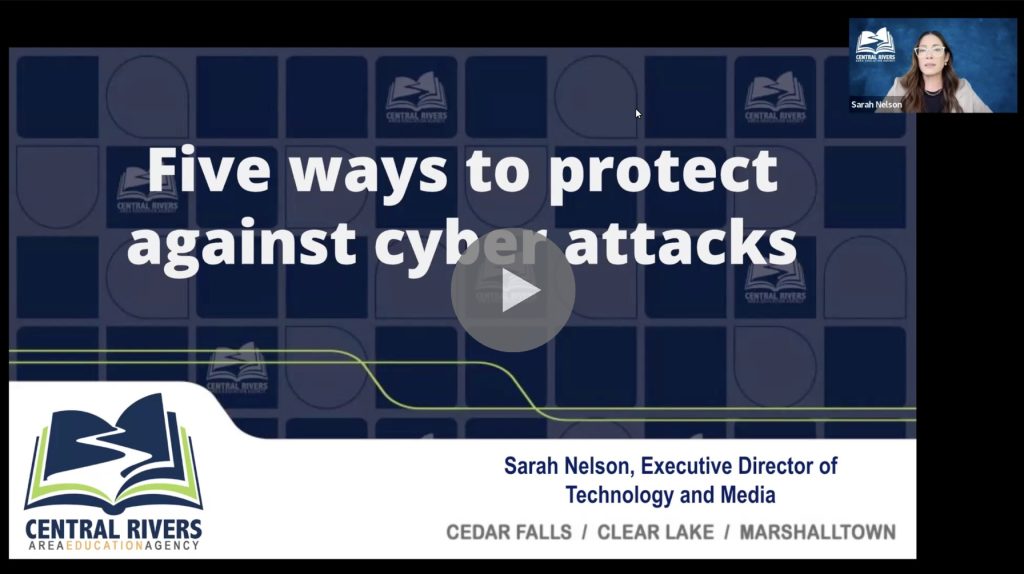
Five Tips to Prevent Cybersecurity
- Think before you click
- Report suspicious emails using the orange fish hook or contacting the Help Desk to verify
- Only add calendar invites if the sender is known
- Create long passphrases
- Test the strength of your passphrase
Unfortunately, there’s been an increase of phishing campaigns targeting K-12 education. We ask that you continue to be extremely vigilant about clicking on suspicious emails and watch this support video (passcode: S*683.xr) to learn more about what steps you can take next.
Google Apps
How do I access my Google Apps?
- Use the Chrome Browser (recommended)
- You will find your Google Apps when you click the 3×3 square in the upper right corner
- Calendar: Your work calendar needs to be kept current. Your calendar will be accessible by any CRAEA employee
- Drive: Your online file storage will be backed up daily. In addition, a desktop application to launch Google Drive from Windows is installed on your laptop. Google Drive Desktop Tutorial (3:40 min)
- Please use this account for work-related items. Avoid using a personal account for documents related to your work at CRAEA
Tech Best Practices
This document outlines rules for safely using your work-issued computer and digital accounts.
Contact our CRAEA Technology Help Desk for any technology issues or questions. Email helpdesk@centralriversaea.org or call 319-273-8231.
Video Conferencing
What tools do I use for video conferencing?
- Zoom is our main tool for Video Conferencing
- Login using your Google Credentials
- Zoom Help Center and Zoom Privacy Tips
- Note: Google Meet can also be used as a video conferencing tool
Support
Who do I contact for support?
- Looking for support for apps, instructional tech or media resources?
- Contact Sarah Nelson or Ashley Samek
- Seeking technical assistance? Contact our agency Help Desk.
- Contact: 319-273-8231; helpdesk@centralriversaea.org or via ‘live chat’